

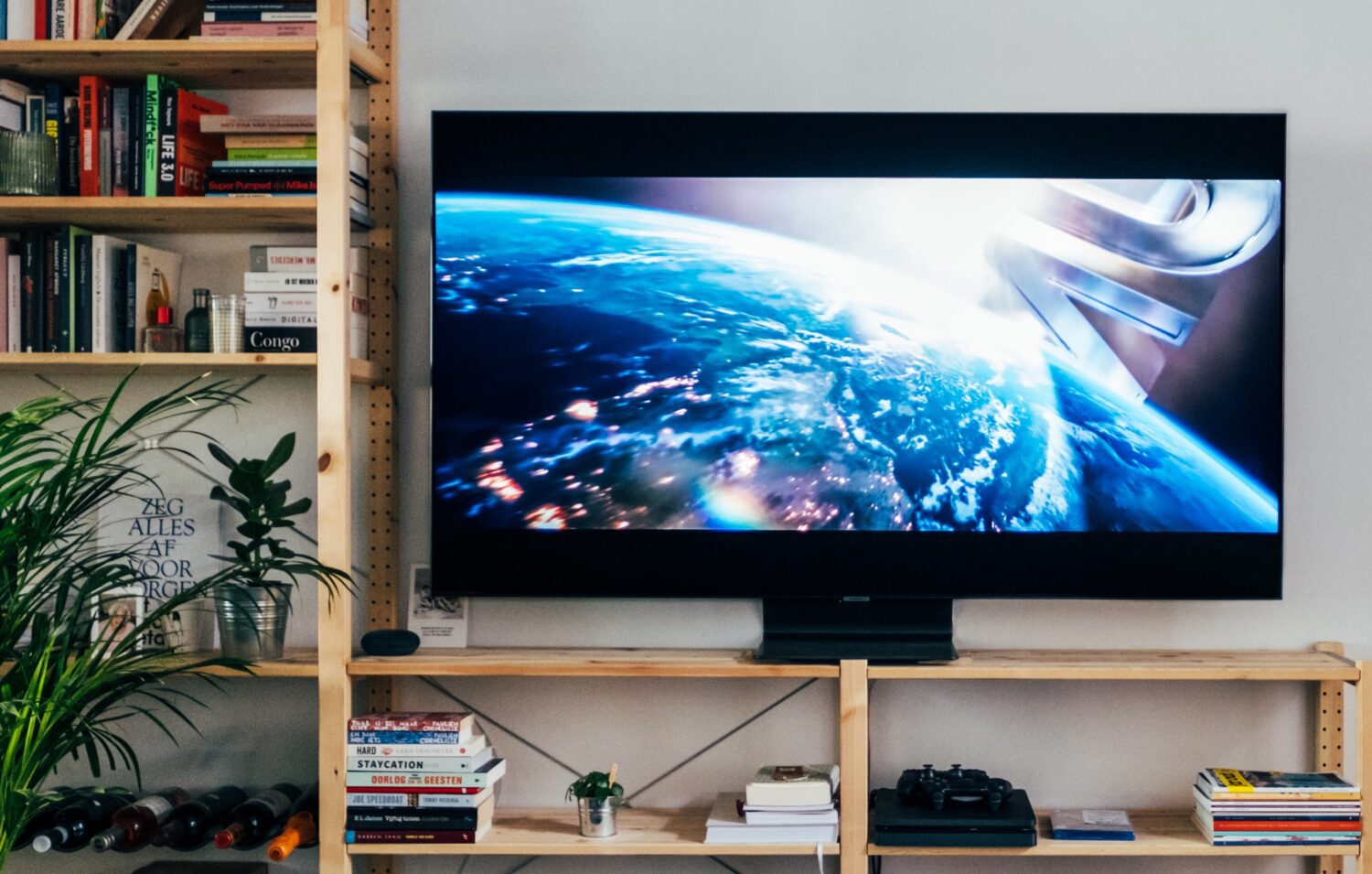
Not all captions are created equal. Effective communication is the required standard to ensure qualified individuals with disabilities have equal communication access. It is imperative that quality captions are provided to deaf students for media used in courses and around campus. To be useful, they must follow quality standards. According to the Federal Communications Commission (FCC), there are four main standards for captioning:
Accurate
Synchronous
Complete
Properly Placed
Both the FCC and Web Content Accessibility Guidelines (WCAG) reference the Described and Captioned Media Program’s (DCMP) Captioning Key guidelines for creating quality captions that are easy to read, clearly match the audio, and reflects the speaker’s words, tone, and intent. Additionally, the Office for Civil Rights (OCR) will generally use the WCAG when reviewing complaints about online accessibility. Following these guidelines is so important for all institutions and organizations.
There are also different types of captions:
- Closed captions (CC): Can be turned on or off.
- Open captions: Always visible and cannot be turned off.
When going through the process of captioning videos, whether done in-house or through a third-party vendor, it is important to consider the quality standards of captioning. High-quality captions support learning, reduce confusion, and help make sure everyone has equal access to video content. Conversely, poorly captioned and uncaptioned videos can negatively impact deaf students who are relying on captions to access video content, including their educational outcomes.
Can We Use Automatic Captions?
Automatic captions, also known as ASR, are generated by software. They can be fast, but they’re not always reliable. They often miss words, names, or key phrases—especially in videos with background noise, unclear speech, or technical terms.
Right now, there’s no clear rule about when ASR captions are “good enough.” That’s why schools should always review automatic captions before using them. Errors, even small ones, can change the meaning of what’s being said and cause confusion. Currently, there is no standard threshold that would dictate when ASR captions are accurate enough to be used as a form of effective communication.
Automatically generated captions often average only 60–70% accuracy, which means they cannot reliably provide communication equivalent to the audio. Even when accuracy rates are higher, small errors can significantly alter the meaning or intent of a sentence. Because auto-captions are frequently of poor quality and not time-synced, they can negatively affect students who depend on captions to access video content, making it essential that videos be re-captioned to meet established quality standards.
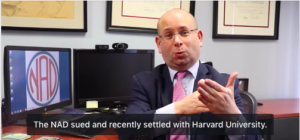
To learn more, you can watch a video presented by Howard Rosenblum, “Automated CRAPTIONING – WH@T DEAD DEY SAY?” below.

FAQs
How do I make a DVD accessible when it is not captioned?
Some strategies institutions use to create captions for existing copies of DVDs is to use a digital converter program where you can rip the DVD into a video file format that can be captioned in-house or by a vendor. Another option to consider using screen recording software to create a digital file of the DVD to be captioned.
Are publishers responsible for captioning their video content?
According to the National Association of the Deaf (NAD), producers of audiovisual materials (such as DVDs) are generally not required to caption their products. However, when used as part of an educational program, the school would be responsible for ensuring videos are accessible to deaf students.
Are there requirements for videos on the internet to be captioned?
There are scenarios related to videos available on the internet that are worth considering. Recent settlements (NAD v. Harvard & NAD v. MIT) emphasize that an institution’s website is considered public space and should include captioned videos. (See The Significance of Harvard’s Settlement on Video Accessibility) Streaming services, such as Netflix, Amazon Prime, Hulu, and others, must ensure that their video content is accessible to deaf people. (See NAD v. Netflix) Another example is the 21st Century Communications and Video Accessibility Act (CVAA), which states that any television programming aired with captions on TV must also be captioned if displayed on the internet.
Resources from NDC
Other Resources
Copyright and Captioning for Accessibility:
National Association of the Deaf (NAD) Case Law: